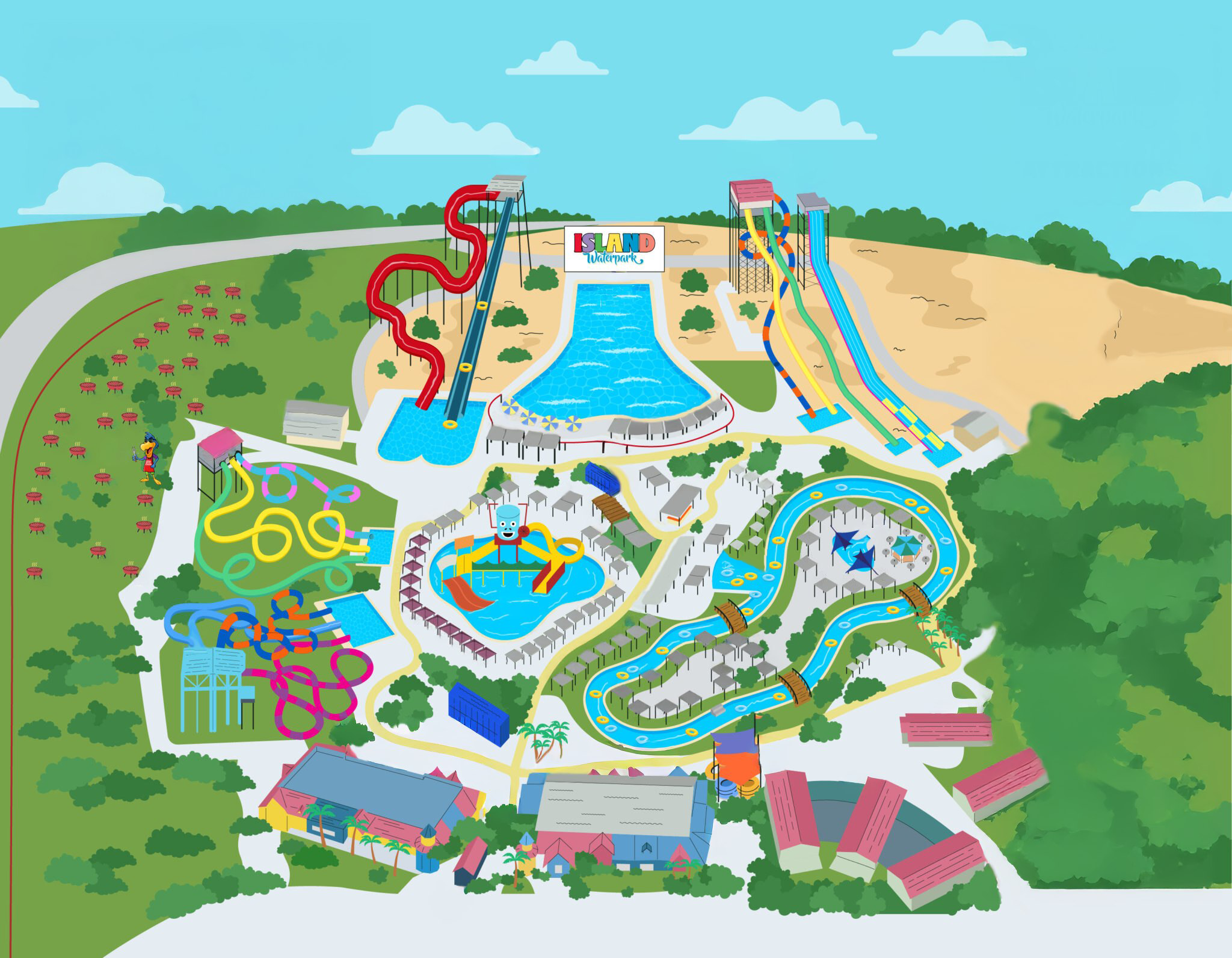
Step 1: Use the date picker in the sidebar to select the date of your visit. Cabana pins are color-coded by zone. Available cabanas are bright and clickable, while booked cabanas appear dimmed.
Step 2: Browse the map to find a cabana you like. You can drag to move around and pinch or scroll to zoom in and out.
Step 3: Tap on any cabana pin to view details including size, capacity, seating, and a video walkthrough.
Step 4: Click the "Book Now" button to reserve your cabana. You'll be taken to a secure checkout.
Tip: On some dates, cabanas are available for both daytime and evening sessions. If time slots appear, select which session you'd like.